onnichiwa, future JLPT test-taker! So, you’ve taken the plunge and registered for the Japanese-Language Proficiency Test N5. First of all, おめでとうございます (Omedetou gozaimasu) — Congratulations! This is a huge first step on your Japanese language learning journey.
I remember my first JLPT like it was yesterday. The excitement, the nerves, and yes, the slight panic when it came to the administrative stuff. The hall ticket (or admit card/voucher) is your golden ticket to entering the exam hall. Without it, you won’t be able to take the test. It’s that important.
Many students, especially first-timers, get a little lost when the download period arrives. Which website? What’s my login ID? What if I made a mistake?
Breathe. In this comprehensive guide, I’ll be your personal sensei, walking you through every single step of downloading your JLPT N5 hall ticket, explaining what all the information on it means, and what to do if you hit a snag. Let’s make this process as smooth as possible so you can focus on what truly matters: your final exam preparation.
What Exactly is the JLPT N5 Hall Ticket?
Think of your hall ticket as a combination of your exam entry ticket and your ID card. It’s an official document issued by the Japan Foundation and the local host institution that proves:
- You are a registered candidate.
- Your application was accepted.
- You are assigned to a specific test center on a specific date.
Crucially, you must print a physical copy of this ticket. A digital version on your phone will NOT be accepted at the test center. This is a non-negotiable rule, so please don’t overlook it.
Key Dates to Remember: Mark Your Calendar!
The hall ticket is not available for download immediately after you register. There’s a specific window. While exact dates change for each test session (July and December), the timeline is generally consistent.
- Registration Period: Usually opens in March for the July test and in August for the December test.
- Hall Ticket Download Period: Typically begins 2-3 weeks before the test date. For the December test, this is often in mid-to-late November.
- Test Date: The first Sunday of July and December.
Insight from a Sensei: Don’t wait until the last day to download your ticket! Servers can get busy, or you might encounter an issue that needs resolving. Download it as soon as the window opens. Set a reminder on your phone right now!
Your Step-by-Step Guide to Downloading the JLPT N5 Hall Ticket
The process differs slightly depending on whether you applied from inside Japan or outside Japan. Since most of my readers are applying from abroad, I’ll focus on the global process, which is managed through the JLPT Official Worldwide Website.
Step 1: Find the Right Website and Login Portal
This is the most common point of confusion. You must return to the official website for your country or region.
- Go to the JLPT Official Worldwide Website.
- Click on the tab that says “List of Overseas Test Site Cities/Institutions”.
- Select your country from the list. This will take you to the website of your local host institution (e.g., in the U.S., it’s the American Association of Teachers of Japanese; in India, it might be a specific language institute).
Pro Tip: Bookmark your local host’s website during registration! It saves you this navigation hassle later. This is the number one backlink you need.
Step 2: Locate the “Login for Examinees” Section
Once on your country’s host website, look for a button or link that says:
- “Login for Examinees”
- “Application Status”
- “Print Test Voucher”
- “Candidate Login”
The wording will vary, but the function is the same.
Step 3: Log In with Your Credentials
This is where you’ll need the information you created during registration.
- Login ID: This is usually your email address or a unique ID number sent to you after registration.
- Password: The password you created.
A Common Hurdle: “I forgot my password!” Don’t worry; it happens to the best of us. Look for a “Forgot Password” link. The system will send a password reset link to your registered email address. This is why it’s vital to use an email address you check regularly.
Step 4: Download and Save the PDF
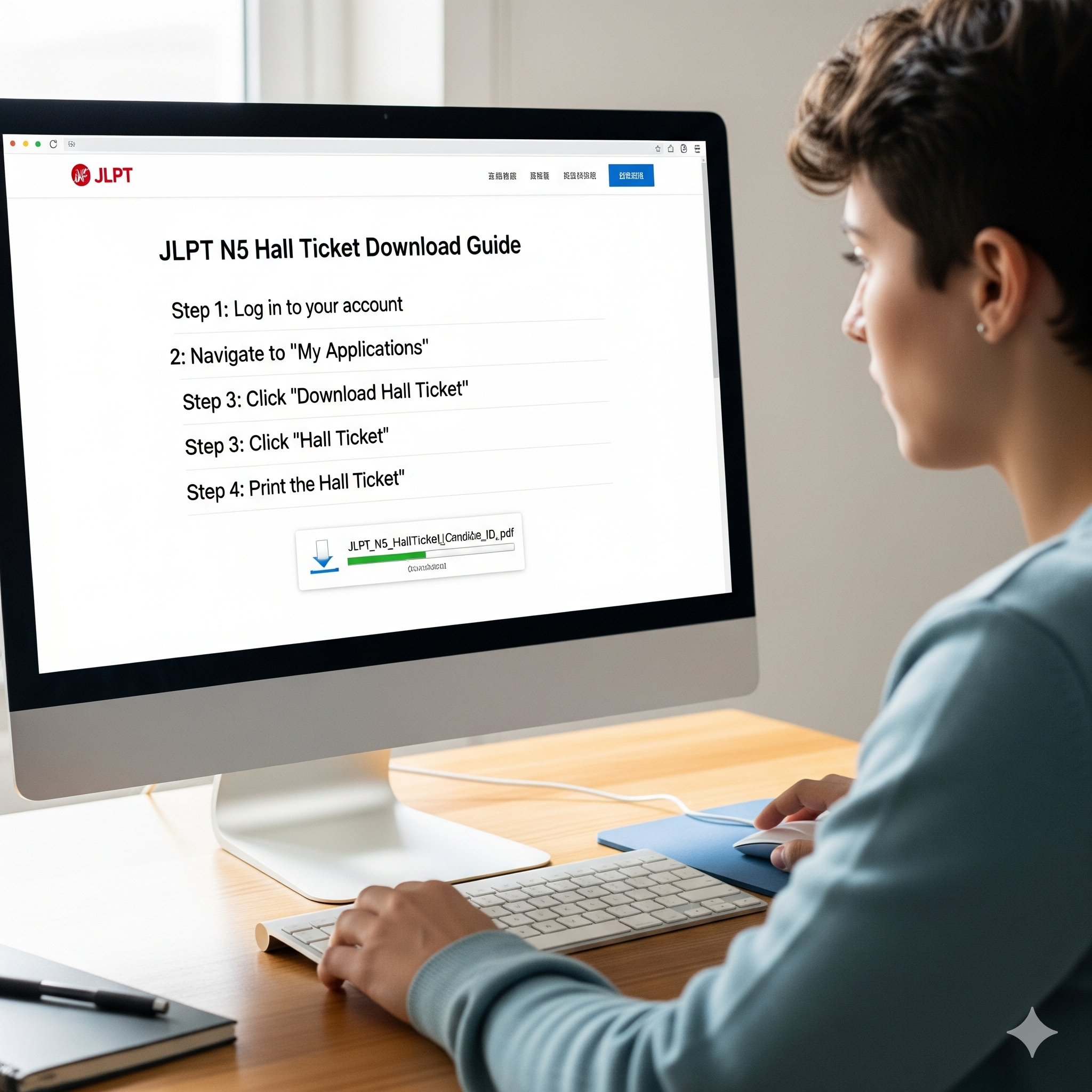
Once logged in, you should see your application details and a prominent button to download your hall ticket. It will be in PDF format.
- Click the button. The PDF will open in a new browser tab.
- Save the file directly to your computer. Give it a clear name like
[YourName]_JLPT_N5_HallTicket.pdf. - IMPORTANT: Now, print it out. Use a clean, white sheet of A4 paper. Print it in black and white or color; both are acceptable as long as all information is clear and legible.
Decoding Your JLPT N5 Hall Ticket: What Does It All Mean?
Your hall ticket isn’t just a pass; it’s a source of vital information. Let’s break down what each section means:
- Name: Check this meticulously! It must exactly match the name on your photo ID (e.g., passport, driver’s license). If it doesn’t, contact your test institution immediately.
- Test Date: Confirm the date.
- Test Language: For the N5, this will likely be “Japanese” or “English” for instructions.
- Test Voucher Number: Your unique candidate number.
- Test Center Code & Name: This is your exam location. Research this location beforehand! How will you get there? How long does the journey take? Do a test run if possible.
- Reporting Time: Do not be late. Doors often close strictly at this time, and latecomers may be refused entry.
- Photo: Ensure the photo you uploaded is clearly visible and recognizable. This is how they will identify you.
Uh-Oh! What If You Have a Problem?
- “I lost my login details!” Use the “Forgot Password” function. If you’ve forgotten which email you used, you must contact your local test institution’s helpdesk. Have your full name and date of birth ready.
- “There’s a mistake on my ticket!” (e.g., wrong name, misspelling). Contact your local test institution immediately via email or phone. Do not wait. They are the only ones who can correct this.
- “The download link isn’t working!” First, try using a different internet browser (Chrome, Firefox, Edge). Clear your browser’s cache. If it still doesn’t work, contact the helpdesk of your local institution.
Beyond the Download: Your Pre-Exam Checklist
Downloading the ticket is step one. Here’s what to do next:
- Print Two Copies: Always print a second copy and keep it in a separate bag. It’s a cheap and fantastic insurance policy against loss or damage.
- Prepare Your ID: Get your official, government-issued photo ID (Passport is best) ready. Place it with your printed hall ticket the night before the exam.
- Plan Your Journey: Use Google Maps to plan your route to the test center. Factor in extra time for weekend schedules, traffic, or unexpected delays. Aim to arrive at least 30-45 minutes early.
- Review the Rules: The hall ticket or the host website will list prohibited items. Typically, these include phones (they must be switched off and in your bag), electronic devices, notes, and certain types of watches. For the N5, you’ll definitely need a pencil (HB or #2) and an eraser.
Unique Insight: Your test center could be a university, a school, or a conference hall. The room acoustics, desk size, and temperature can vary. I advise students to bring a silent analog watch to manage their time and a light jacket or layer that you can put on or take off. Being comfortable lets you focus 100% on the 言語知識 (gengo chishiki – language knowledge) questions.
Final Words of Encouragement
The process of getting your hall ticket is the first small challenge of your JLPT day. By following this guide, you’ve already overcome it. Now, with that administrative task out of the way, you can channel all your energy into your final review.
You’ve studied hard. You’ve practiced your kanji, your grammar, and your listening skills. You are ready for this. That little printed piece of paper is your ticket to proving it to yourself.
がんばってください (Ganbatte kudasai)! Do your best! I’ll be rooting for you.
Ready for the next steps? Prepare for your exam with our other detailed guides:
- A Beginner’s Guide to JLPT N5: What to Expect and How to Prepare
- Top 100 JLPT N5 Vocabulary Words You Must Know
- Conquering JLPT N5 Grammar: A Practical Study Plan
- Test Day Survival Guide: Tips for Acing the JLPT Exam